Complex projects do not fail because teams lack software or data. They struggle because information is fragmented, decisions are delayed, and insights arrive too late to matter. This is where Advanced Prompt Techniques become valuable—not as a replacement for project managers, but as a force multiplier for judgment, analysis, and communication.
When used correctly, Advanced prompts Techniques allow project managers, schedulers, and PMO leaders to extract structured, actionable insight from AI across planning, execution, and control activities. The difference between basic and advanced prompting is the difference between generic responses and decision-ready outputs.
This article explains advanced prompt techniques from scratch, shows how they apply to complex projects, and provides practical examples you can use immediately on engineering, infrastructure, IT, and PMO programs.
Why Advanced Prompt Techniques Matter in Complex Projects
Simple projects tolerate ambiguity. Complex projects do not.
Large capital programs, multi-vendor IT initiatives, and infrastructure portfolios involve:
- Interdependent schedules
- Competing constraints
- Multiple stakeholders with conflicting priorities
- Incomplete or evolving information
AI can help, but only if it is guided properly. Basic prompts such as “summarize this schedule” or “analyze project risks” produce shallow results. Advanced prompts Techniques introduce structure, assumptions, roles, and decision context into the request.
In other words, the quality of output depends on the quality of thinking embedded in the prompt.
What Makes a Prompt “Advanced”?
An advanced prompt is not longer. It is clearer.
At a minimum, advanced prompts define:
- Context – What type of project and environment
- Role – Who the AI is acting as
- Inputs – What information is available
- Constraints – Time, cost, risk, or contractual limits
- Output format – How results should be structured
Think of advanced prompting as delegating work to a skilled analyst, not asking a search engine a question.
Core Advanced Prompt Techniques Explained Step by Step
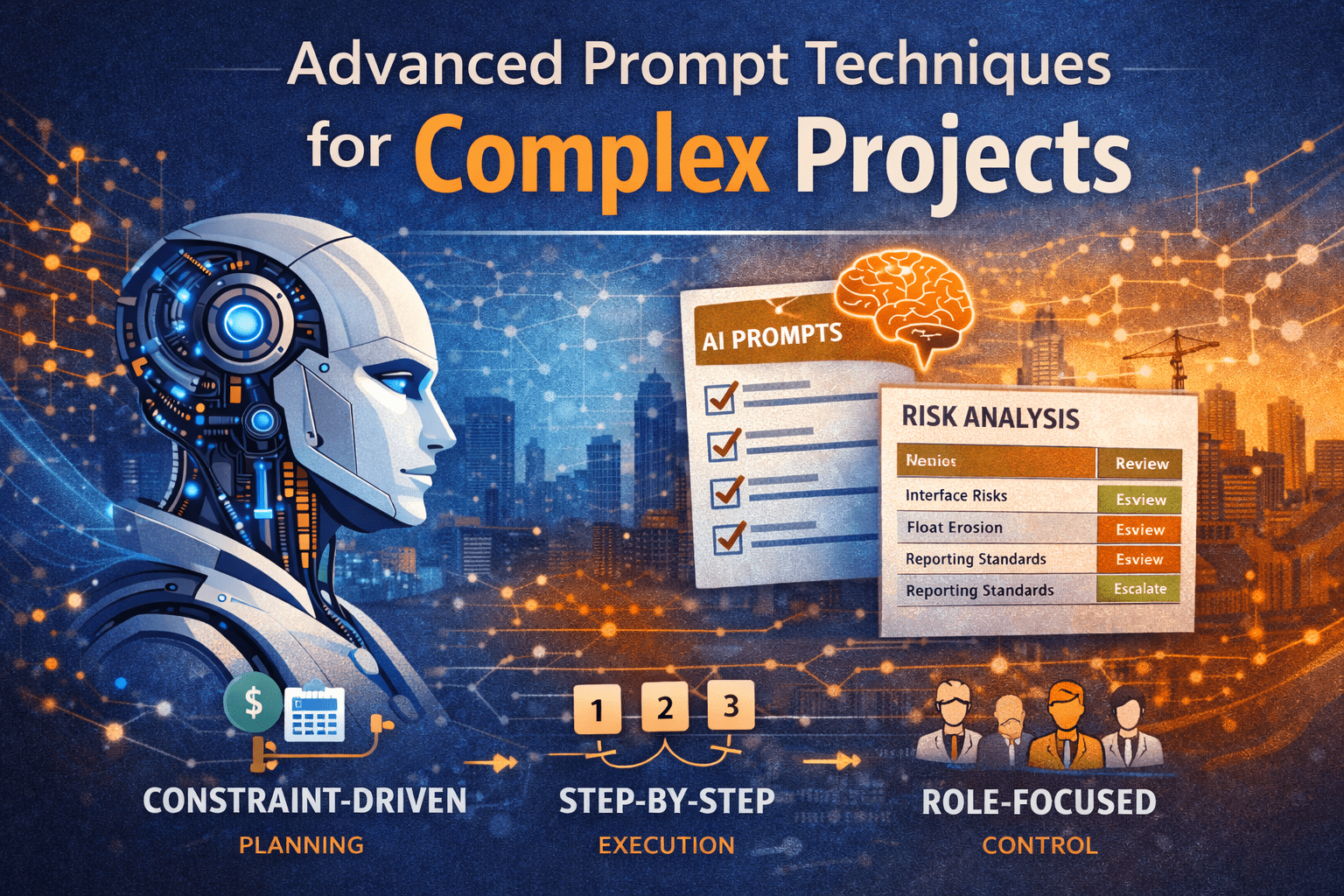
1. Role-Based Prompting
Role-based prompting assigns the AI a professional identity relevant to the task.
Why it works:
Different roles focus on different signals. A scheduler sees logic risk. A PMO director sees governance gaps.
Example Prompt
Act as a senior project controls manager supporting a multi-contract infrastructure program. Review the following project update and identify control risks related to schedule integration and reporting consistency.
Where it helps
- Schedule reviews
- Cost trend analysis
- Executive reporting
- Claims avoidance
2. Constraint-Driven Prompting
Complex projects are defined by constraints. Advanced prompts explicitly state them.
Typical constraints include:
- Fixed completion dates
- Budget ceilings
- Regulatory approvals
- Labor or access restrictions
Example Prompt
Given a fixed completion date and no ability to add crews, analyze the schedule recovery options and identify which activities offer true float versus artificial float.
This prevents generic answers and forces realistic analysis.
3. Sequential Reasoning Prompts
Complex problems require step-by-step thinking. Advanced prompts request the reasoning process explicitly.
Example Prompt
Analyze the project delay claim using the following steps:
- Identify delay events
- Classify them as excusable or non-excusable
- Assess schedule impact
- Summarize owner exposure
This mirrors how experienced professionals actually think.
Using Advanced Prompts Across the Project Life Cycle
Initiation Phase: Shaping the Right Project
At initiation, uncertainty is high and information is limited. Advanced prompts help structure ambiguity.
Use cases
- Business case validation
- Stakeholder risk identification
- Early scope definition
Example Prompt
Act as a PMO advisor. Based on the project objectives and constraints, identify hidden risks typically overlooked during project initiation for large public infrastructure projects.
Planning Phase: Turning Strategy into Control
Planning is where advanced prompts deliver the highest value.
Schedule Development and Logic Review
Example Prompt
Review this draft schedule logic as a planning-level CPM model. Identify missing predecessors, open ends, and logic that may distort float.
Cost and Resource Planning
Example Prompt
Given this cost-loaded schedule, identify periods of resource over-allocation and recommend leveling strategies without extending the project end date.
Execution Phase: Managing Complexity in Motion
During execution, advanced prompts support situational awareness.
Common applications
- Variance analysis
- Trend forecasting
- Change impact assessment
Example Prompt
Act as a project controls lead. Analyze the current SPI and CPI trends and explain what corrective actions should be prioritized in the next 60 days.
Monitoring and Control: Turning Data into Decisions
This is where many teams drown in reports but lack insight.
Advanced prompts help by:
- Explaining why metrics changed
- Highlighting leading indicators
- Translating data into actions
Example Prompt
Based on this monthly report, identify early warning signals that suggest future schedule slippage, even if current SPI is above 1.0.
Closeout Phase: Capturing Lessons That Matter
Closeout often becomes an administrative exercise. Advanced prompts can turn it into institutional learning.
Example Prompt
Summarize the top five project control lessons from this project and explain how they should change planning assumptions on future projects.
Real-World Examples from Complex Projects
Example 1: Transportation Infrastructure Program
A multi-year roadway expansion involved multiple contractors and overlapping work zones.
Advanced Prompt Used
Act as an independent scheduler. Identify interface risks caused by overlapping contractor schedules and propose coordination milestones.
Outcome
- Reduced access conflicts
- Improved milestone alignment
- Clearer owner oversight
Example 2: Enterprise IT System Implementation
An ERP rollout suffered from repeated scope changes.
Advanced Prompt Used
Analyze the change log and identify which changes indicate scope creep versus legitimate requirement clarification.
Outcome
- Stronger change control discipline
- Better executive decision-making
Example 3: PMO Portfolio Reporting
A PMO struggled to explain why projects appeared “green” until late-stage failure.
Advanced Prompt Used
Review this portfolio dashboard and identify metrics that lag reality. Recommend leading indicators better suited for early intervention.
Outcome
- Improved portfolio governance
- Earlier escalation of issues
Common Mistakes to Avoid When Using Advanced Prompts
Even experienced professionals make these errors:
- Asking vague questions without decision context
- Ignoring constraints, leading to unrealistic recommendations
- Overloading prompts with unnecessary detail
- Accepting outputs without validation
AI supports judgment; it does not replace it.
Practical Tips You Can Apply Immediately
- Write prompts as if briefing a senior analyst
- Always specify the decision you are supporting
- Request structured outputs (tables, bullets, steps)
- Reuse and refine high-performing prompts
- Combine AI outputs with professional review
For related guidance, link here:
👉 Project Control Fundamentals
👉 AI in Project Management
How PMOs Should Standardize Advanced Prompt Techniques
PMOs can scale value by:
- Creating approved prompt libraries
- Embedding prompts into reporting cycles
- Training teams on prompt thinking, not tools
This turns AI from an experiment into an operational capability.
Strategic Takeaway for Project Leaders
Advanced prompts Techniques are not about smarter technology. They are about clearer thinking.
Complex projects demand structure, discipline, and insight. When prompts reflect how experienced professionals reason—step by step, within constraints, and tied to decisions—AI becomes a practical extension of the project controls function.
Used correctly, advanced prompting improves clarity, accelerates insight, and strengthens leadership decisions across the entire project life cycle.