
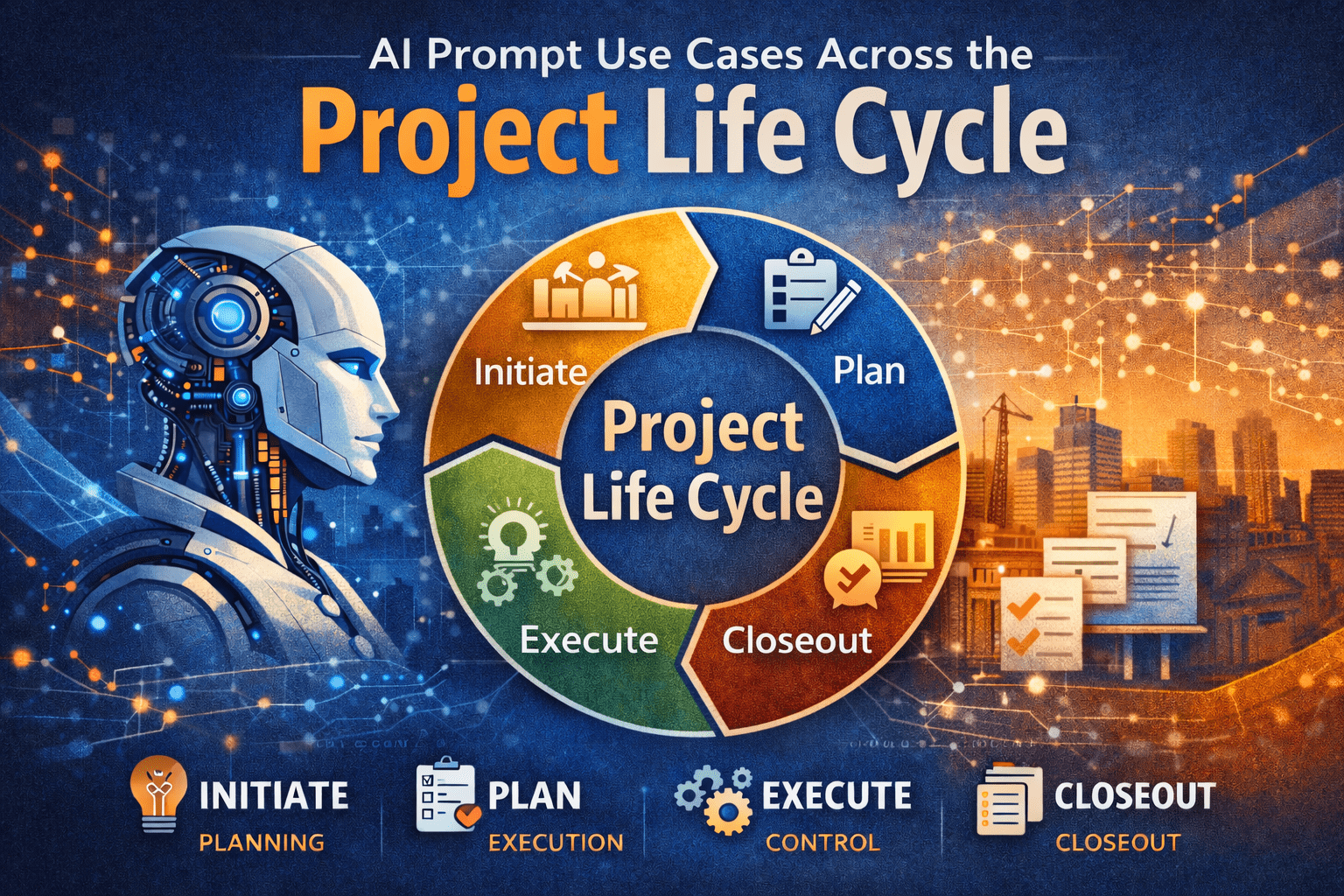
Project managers are trained to think in phases. We initiate, plan, execute, monitor, and close. Each phase has different information needs, decision pressures, and stakeholder expectations. This is exactly why AI prompts across project life cycle matter.
AI is not a single-use tool for drafting emails or summarizing notes. When used deliberately, AI prompts can support every phase of the project life cycle, from early concept development through closeout and lessons learned. The value comes from aligning prompts with how projects actually progress, not from treating AI as a generic assistant.
This article explains, step by step, how project managers can apply AI prompts across the project life cycle in a practical, disciplined way—without technical jargon or unrealistic promises.
Why AI Prompts Matter Across the Project Life Cycle
Each project phase answers a different question:
- Initiation: Should we do this project?
- Planning: How will we deliver it?
- Execution: Are we building what we planned?
- Monitoring: Are we still in control?
- Closeout: What did we learn?
AI becomes useful when prompts are designed to support those specific questions.
Unstructured prompts tend to produce:
- Generic advice
- Misaligned outputs
- Content that does not fit PM workflows
Well-structured AI prompts across project life cycle help PMs:
- Think faster, not sloppier
- Draft first-pass deliverables
- Improve clarity and consistency
For a deeper foundation on prompt design, see:
https://pmintelli.com/beyond-chatgpt-essential-ai-prompts-every-project-manager-should-master/
Understanding AI Prompts in Project Management Terms
An AI prompt is not a command. It is closer to a scope definition.
A strong prompt answers:
- What role should AI play?
- What project context applies?
- What output is needed?
- What constraints exist?
This mirrors how project managers already think. That is why AI prompts fit naturally into professional project management.
AI Prompts in the Initiation Phase
Purpose of the Initiation Phase
Initiation focuses on alignment:
- Business need
- High-level scope
- Feasibility and risks
AI can support structured thinking before major commitments are made.
Example AI Prompt Use Cases
Use Case 1: Project Charter Drafting
Prompt example:
Act as a senior project advisor.
The project is a municipal infrastructure upgrade with multiple stakeholders.
Draft a concise project charter outline focusing on objectives, constraints, and success criteria.
AI helps generate a starting point, not a final document.
Use Case 2: Stakeholder Identification
AI prompts can help list:
- Likely stakeholder groups
- Typical concerns by role
- Communication expectations
This works well when PMs are entering unfamiliar domains.
Practical Tip
Always review AI-generated initiation content against governance requirements. AI does not understand your organization’s approval thresholds.
AI Prompts in the Planning Phase
Why Planning Is the Highest-Value Phase for AI
Planning is documentation-heavy and logic-driven. That makes it ideal for AI prompts across project life cycle.
AI supports:
- Structure
- Consistency
- First-pass drafts
For project controls fundamentals that align closely with planning prompts, see:
https://pmintelli.com/project-control-explained-the-foundation-of-successful-project-management/
Planning Use Cases and Prompt Examples
Scope Definition and WBS Support
Prompt example:
Act as a project controls specialist.
The project is a water treatment facility upgrade.
Develop a Level 2 WBS aligned with engineering, procurement, and construction phases.
AI helps accelerate early structuring.
Schedule Logic Review
AI can review narrative logic:
- Sequence assumptions
- Missing dependencies
- Phase overlaps
This is especially useful before formal schedule submission.
Risk Register Development
Prompt example:
Identify key planning-phase risks for an IT system integration project.
Focus on interfaces, data migration, and change management.
Present results in a simple risk register table.
Table: Planning Phase AI Prompt Outputs
| Planning Area | AI Support | PM Responsibility |
| Scope | Draft structure | Final validation |
| Schedule | Logic review | Technical accuracy |
| Risk | Risk identification | Prioritization |
AI Prompts During Execution
Execution Is About Clarity, Not Creativity
During execution, AI should support:
- Communication
- Documentation
- Issue framing
AI is not managing work—it is supporting the PM.
Execution Phase Use Cases
Daily and Weekly Reporting
Prompt example:
Summarize field progress notes into a weekly status update.
Highlight accomplishments, constraints, and upcoming activities.
Keep language suitable for non-technical stakeholders.
Change and Issue Framing
AI can help PMs:
- Structure issue descriptions
- Separate facts from opinions
- Draft neutral narratives
This is especially helpful in contract-heavy environments.
Real-World Example: Infrastructure Project
On a roadway rehabilitation project, the PM used AI to:
- Draft weekly traffic impact summaries
- Standardize contractor updates
- Reduce report preparation time
The PM still approved all content, but preparation time dropped significantly.
AI Prompts in Monitoring and Controlling
Where AI Supports Project Controls
Monitoring is about variance, trends, and early warning. AI can help explain data—not replace it.
For dashboard-related insights that pair well with AI-generated narratives, see:
https://pmintelli.com/top-ai-tools-for-construction-project-control/
Monitoring Use Cases
Variance Explanation
Prompt example:
Explain schedule variance drivers based on delayed procurement and weather impacts.
Keep explanation factual and suitable for executive reporting.
Trend Identification
AI can review:
- Cost narratives
- Schedule updates
- Risk logs
And help identify recurring themes worth escalation.
Table: Monitoring Phase AI Applications
| Control Area | AI Role | PM Value |
| Cost | Narrative explanation | Clear communication |
| Schedule | Trend summaries | Faster insight |
| Risk | Pattern detection | Early response |
AI Prompts in Project Closeout
Why Closeout Is Often Rushed
Closeout happens when attention shifts to the next project. AI can help capture knowledge before it is lost.
Closeout Use Cases
Lessons Learned Development
Prompt example:
Draft lessons learned for a completed ERP implementation.
Focus on planning assumptions, integration challenges, and stakeholder coordination.
Final Report Structuring
AI can:
- Organize closeout sections
- Standardize language
- Improve clarity
The PM ensures accuracy and completeness.
PMO Example
A PMO used AI prompts to:
- Normalize lessons learned across projects
- Identify recurring delivery risks
- Improve organizational learning
For PMO-focused insights, see:
https://pmintelli.com/tag/pmo/
Common Mistakes to Avoid
1. Using the Same Prompt for Every Phase
Each phase has different objectives. Prompts must change accordingly.
2. Skipping Context
AI without context produces generic output.
3. Treating AI Output as Final
AI drafts. PMs decide.
4. Overloading Prompts
Break tasks into steps, just like real project work.
Practical Tips PMs Can Apply Immediately
- Create prompt templates by project phase
- Save high-performing prompts for reuse
- Align prompts with PMO standards
- Review AI output like junior staff work
- Focus on clarity over cleverness
For a broader collection of PM-focused AI content, explore:
https://pmintelli.com/articles/
Strategic Takeaway
AI does not replace project management discipline. It rewards it.
Project managers who apply AI prompts across project life cycle gain speed, consistency, and clarity—without losing control. The advantage is not technical skill. It is structured thinking applied to modern tools. Used properly, AI becomes part of the project management system—not a distraction from it.
